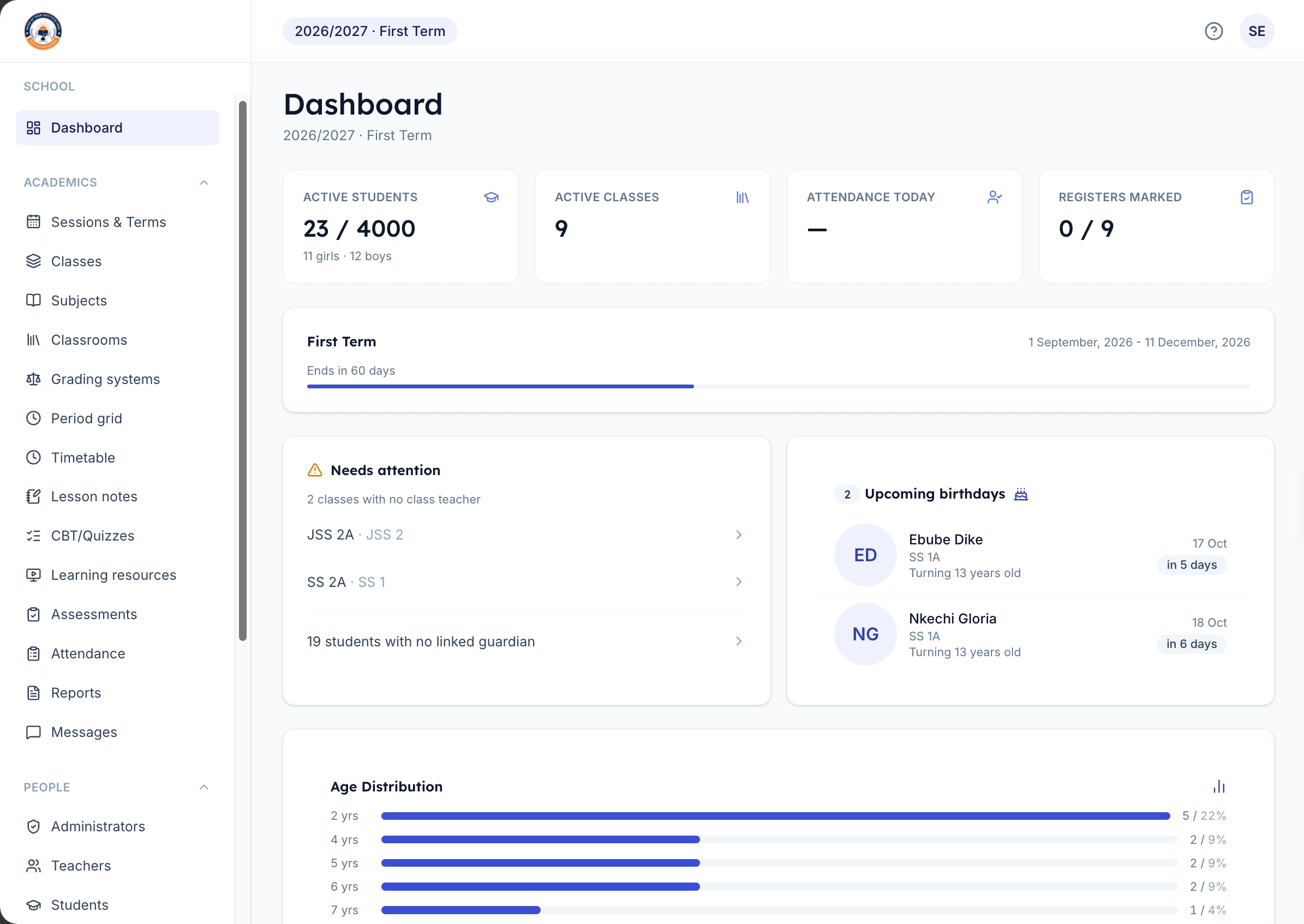


Hold every class inside KDCreators
Create live sessions, share class links, keep resources beside each session, and stop jumping between meeting apps and spreadsheets.
Manage results, attendance, multiple branches, and parent communication from one place. No more paper registers. No more end-of-term chaos.
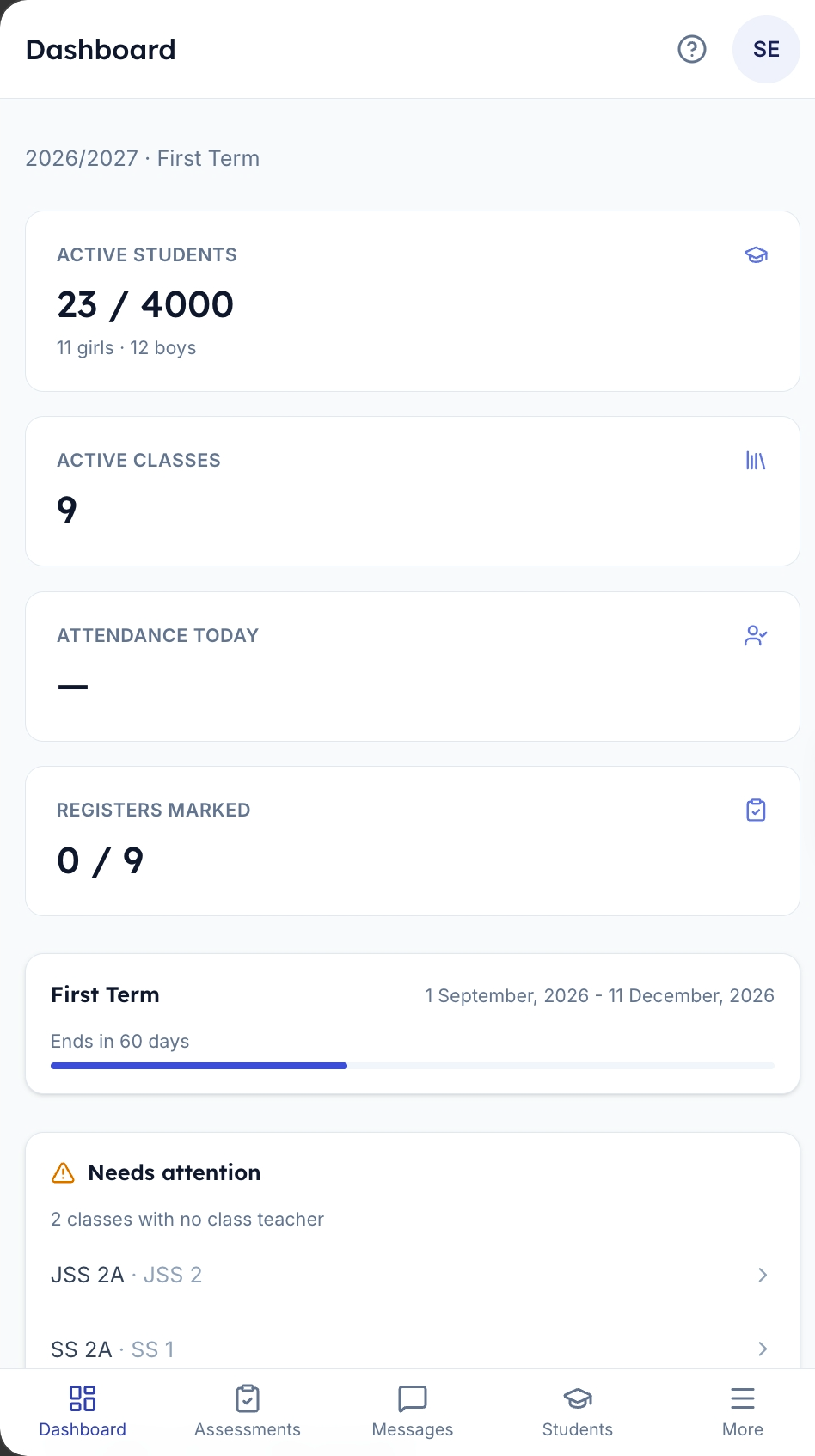
How It Works

Add your school details, terms, classes, staff, subjects, and fee structure.
Register students, link guardians, import balances, and give staff the right access.
Track attendance, collect fees, share updates, prepare reports, and publish results.
Powerful Features
KD LMS delivers unmatched, industry-leading features to power every aspect of your education system effortlessly.

Profiles, admission numbers, classroom placement, guardians, and status tracking.

Parents check results, attendance, and fees from their phone. No queues at the admin office.

Track attendance by class and see which registers still need attention.
Set up video lessons and learning paths. Students learn at their own pace - revision has never been easier.

Define fees, bill students, publish bills, and check payments by term.

Manage assessments, grading systems, report settings, and result publication.

Build class schedules around levels, terms, branches, and bell-time periods.

Support lesson planning, quizzes, learning resources, and classroom assessments.

Send school updates and keep parent communication tied to the right records.

Keep branches, users, inventory, settings, and subscriptions organized.

Control access to different parts of the system based on user roles.

KDCreators
KDCreators is for tutors who teach on Zoom, Google Meet, WhatsApp, or scattered tools today. Bring live sessions, assignments, quizzes, lesson resources, and student progress into one calm workspace.
Start as a creator
Create live sessions, share class links, keep resources beside each session, and stop jumping between meeting apps and spreadsheets.
Post tasks, collect submissions, and keep class work tied to the right students.
Build quizzes, upload notes, arrange learning paths, and make revision easier.
Pricing
Start with one campus or plan a custom rollout for multiple branches, reports, and migration support.


Standard
For schools that need attendance, fees, results, messages, and parent access in one system.
Starting from
Best for single campus schools
Enterprise
For school groups that need branch planning, custom reports, onboarding support, and deeper permissions.
Pricing model
For custom solutions






FAQ's
Book a quick call. We review your school structure, setup timeline and the modules you need first.
Yes. KDLMS is built to work on both desktop and mobile devices. Teachers, students and parents can access the system from their phones.
Yes. KDLMS keeps school data available online with role-based access for each user type.
Yes. Parents can log in to the system to view their child's results, attendance and school notices.
KDLMS AI is a smart assistant that helps school owners and administrators with tasks like generating lesson notes, analyzing student performance, and providing insights for better decision making.
Contact
Tell us what you need help with. Our team will guide your school, organization, or creator program through the right setup.
Lagos, Nigeria
Monday to Friday, 8:00 AM to 6:00 PM WAT
Get help with onboarding, migration, and module setup for your team.
Start a setup conversation with a short note about your school or creator program.
Chat on WhatsApp